


Best Of · 7 min read
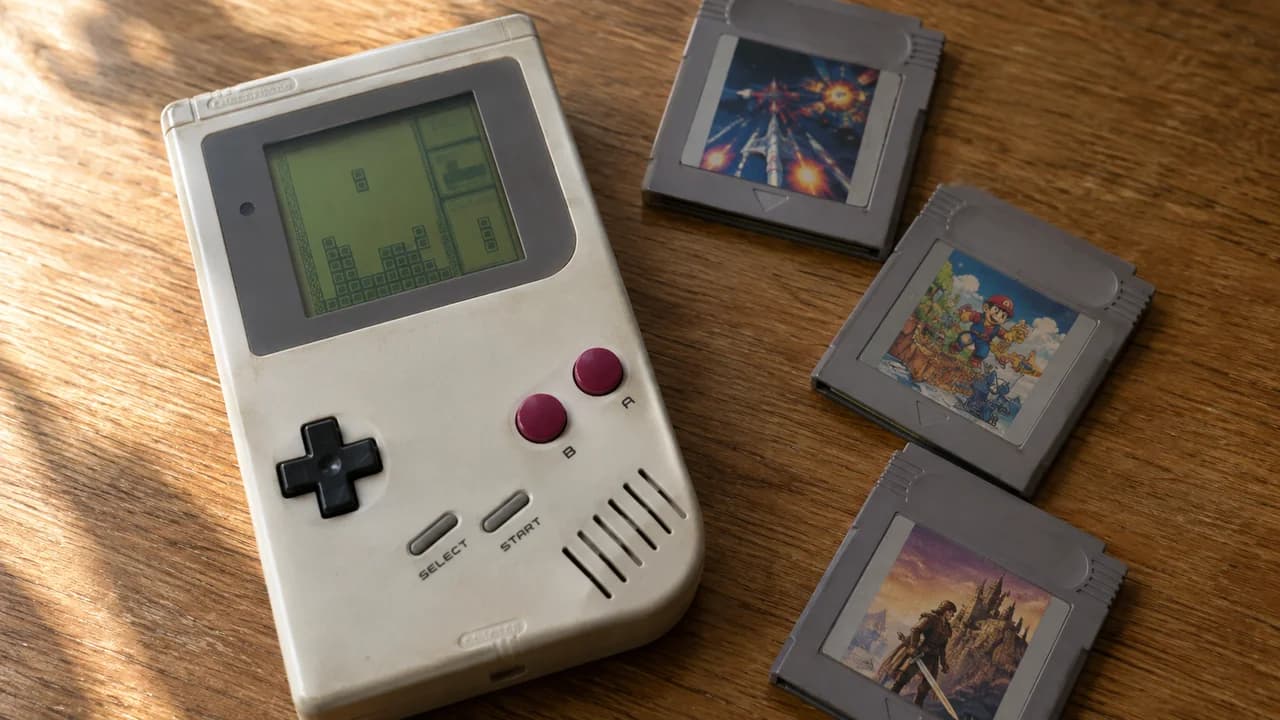
15 Game Boy Games That Are Still Fun Today
Tetris for a quick break, Zelda for an adventure. Find your next Game Boy favorite.
Play free retro games online, from arcade favorites to console and handheld classics. Browse Nintendo, Sega, PlayStation and Atari titles, find an old favorite, or try something you missed the first time around. Pick a game and press Play to get started in your browser, with no account or separate emulator installation needed.
 Tekken Tag Tournament
 Mario Builder 64
 Tekken 3
 MEGA GIANT MARIO BROS.
 Penguin Brothers
 Excellent Dizzy Collection, The
 Parappa the Rapper
 Sonic CD
 Sonic Delta v0.79
 Donkey Kong Country
 Shotgun Mario 64
 Oh Shit!
 Vib Ribbon
 Castlevania - Rondo of Blood
 Smash Remix & Knuckles b2.3
 Super Bowser 64
 Contra
 FIFA 2000
 Smash Remix 2.0.1
 Mega Man X4
Best Of · 7 min read
Tetris for a quick break, Zelda for an adventure. Find your next Game Boy favorite.
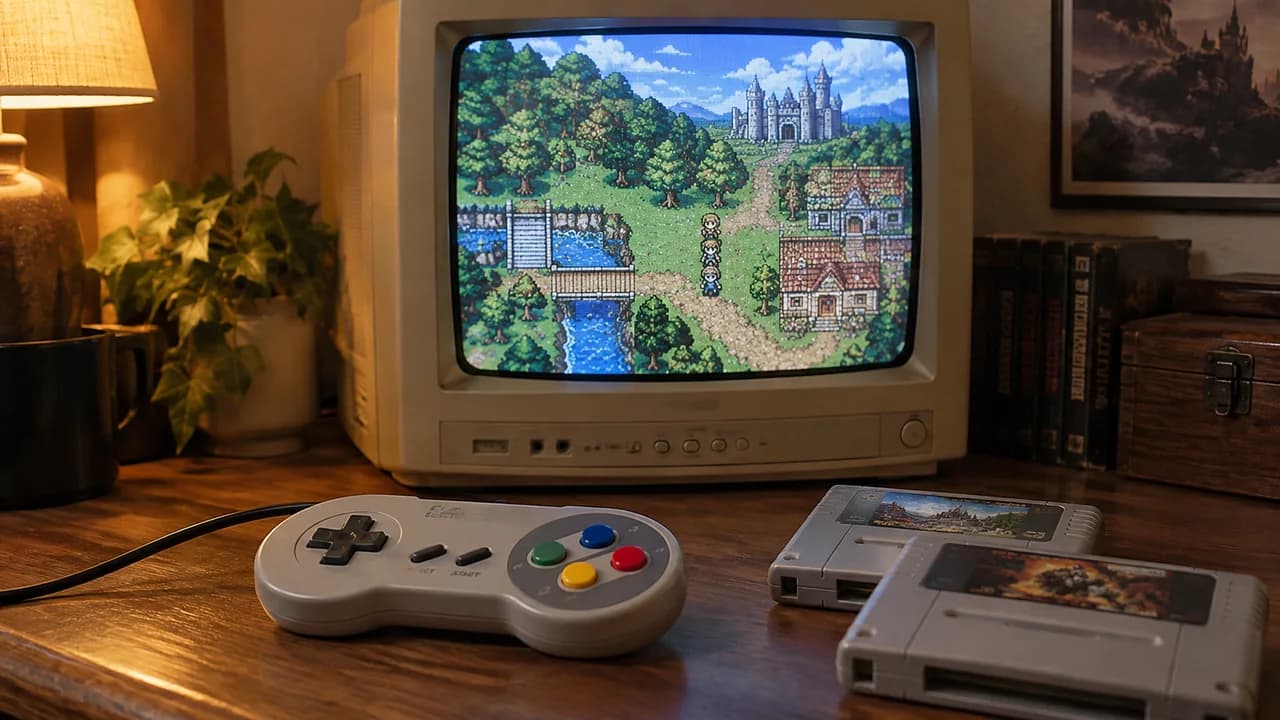
Best Of · 7 min read
Start with Chrono Trigger, Final Fantasy VI or a less familiar adventure.
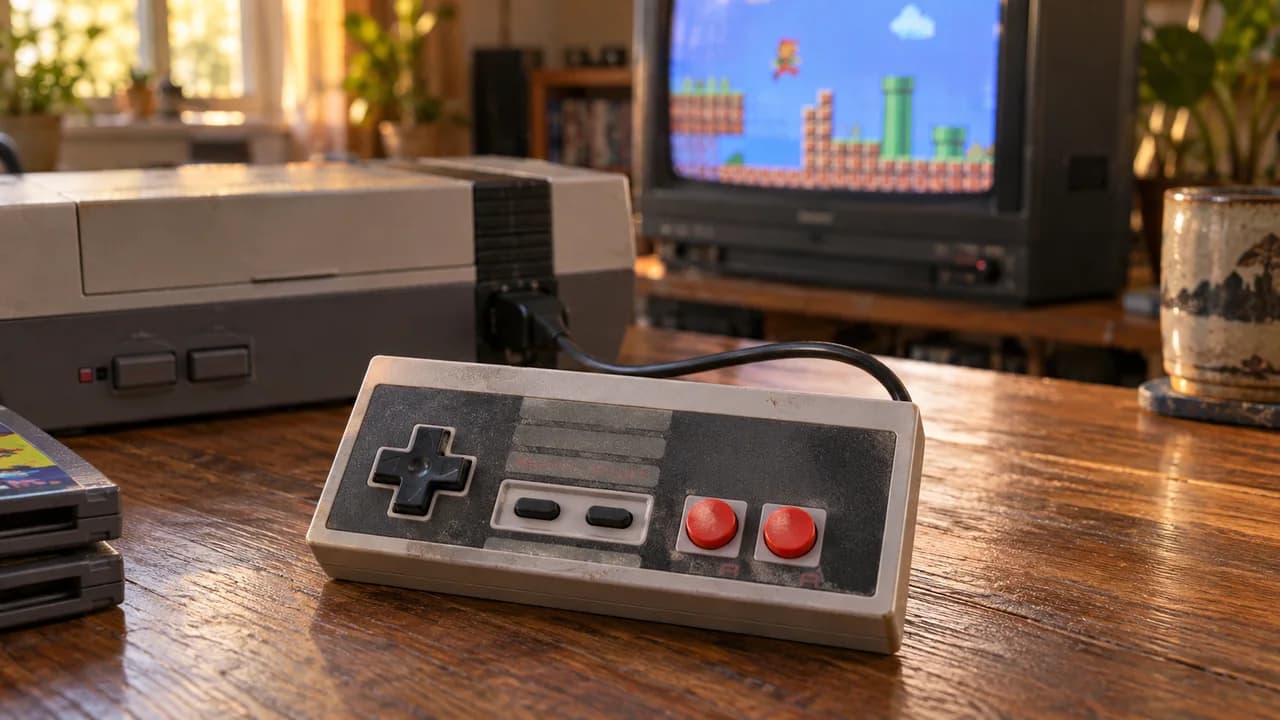
Guides · 6 min read
Stuck in Battletoads or Ninja Gaiden? A few small changes can get you further.
Some days call for a quick arcade round. Others are made for a platformer you never finished or an RPG you can settle into. Retro Games Online brings console, handheld and arcade titles together so you can browse by the system you remember, search for a game by name, or explore a different genre.
Start with NES games for 8-bit platformers and action adventures, or browse SNES games for the next generation of Nintendo classics. The library also covers Game Boy, Nintendo DS, Nintendo 64 and Atari systems. If Sega was your console of choice, explore the Genesis collection; for the move into 3D, try the PlayStation library. Prefer short rounds and high scores? Head to the arcade games.
Open a game page, read its description and controls, then press Play to load the player. You do not need to create an account or install a separate emulator. Give the game time to load, especially with larger console titles, and check the controls before starting your first round.
Controls and performance depend on the game, player, browser and device. A keyboard is a useful starting point on desktop. On a phone or tablet, check whether the player offers touch controls; not every title will be comfortable to play on a small screen. If a game does not respond, click or tap inside the player to give it focus.
Some games have regional releases, translations or later revisions. Where these are grouped together, use Choose a version on the game page to select the release you want before pressing Play. Clearly labelled ROM hacks and mods can change levels, difficulty or other parts of the original game. Switching versions restarts the player, so finish your current session first.
A sequel is a different game, not just another revision. When available, the More Games section for a series helps you find related titles, including releases on other systems. Check the platform on each card to choose the version you want to explore next.
Add games to your favorites to build a shortlist for your next visit. Favorites are saved in the browser on your device, without an account. They do not automatically follow you to another browser or device, and clearing site data can remove them.
Not sure where to begin? Try the popular games on this page, browse a console you know, or read our retro gaming guides for game recommendations and a closer look at classic systems. You can come back to a familiar challenge or find something entirely new to you.